Server location: Hyderabad, India

Indian websites.
From anywhere.

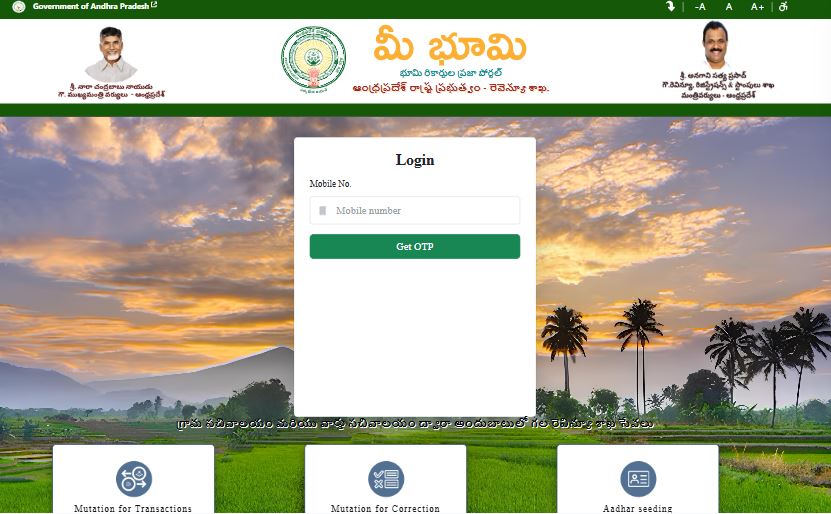
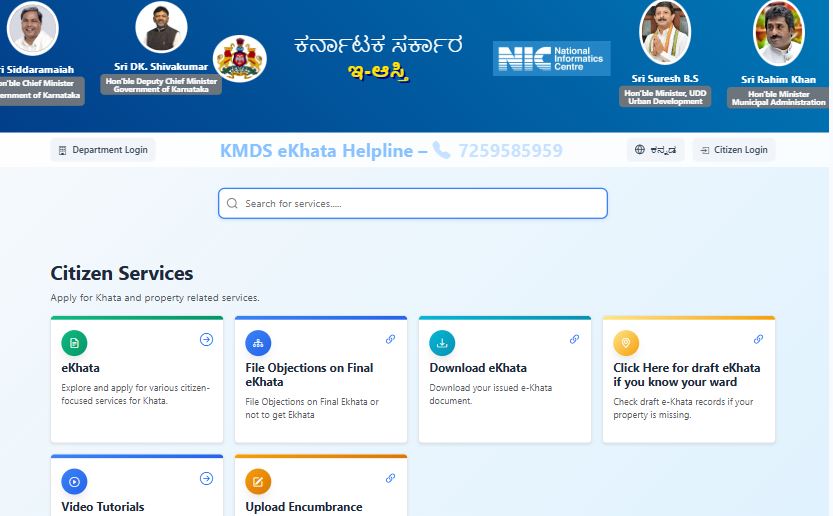
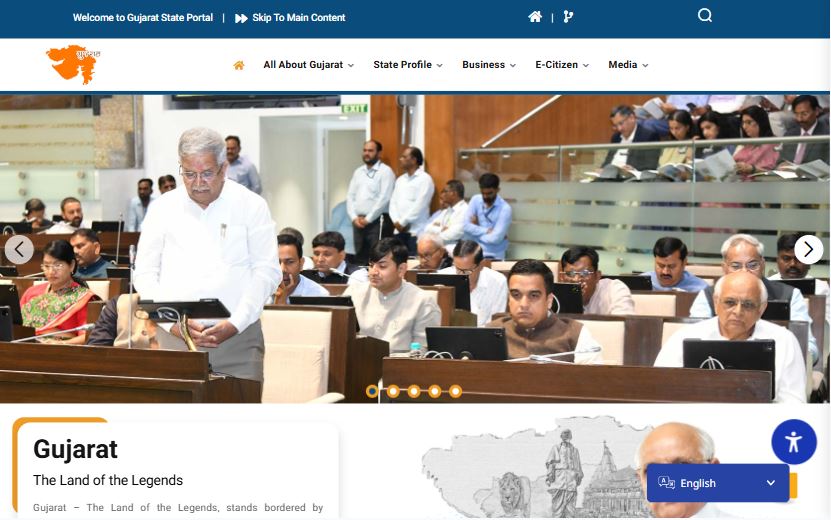
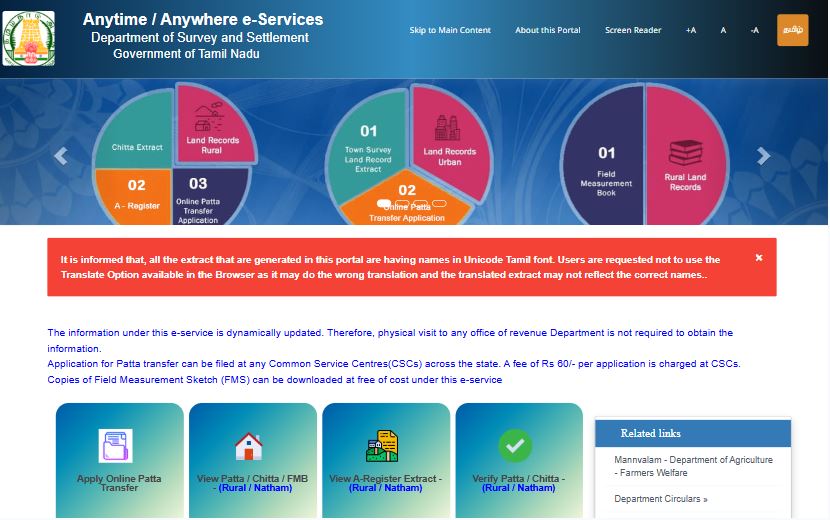
Government portals, utility payments, land records, income tax — all the sites that block you the moment you leave India. Here's how to fix that.

₹0 Oracle Cloud hosting cost
~2min To connect once set up
Hyd Server region — AP & TS portals work
Section 01

Build your own.
It's free.

Oracle Cloud gives you a free server in India — forever. Combine it with Tailscale and you have a private tunnel to Indian internet that costs nothing and belongs entirely to you. No subscriptions. No shared servers. No logs.

STEP 01
Create an Oracle Cloud account
Sign up for Oracle Cloud Free Tier. Choose the Hyderabad region. No credit card charges — the Always Free tier is genuinely free.
oracle.com/cloud/free
STEP 02
Provision a VM in Hyderabad
Create a VM.Standard.E2.1.Micro instance running Ubuntu 24.04. Configure the security list to allow ports 22, 80, 443 and 41641.
~10 minutes
STEP 03
Install and configure the stack
SSH into the server. Install Headscale, Caddy, Pi-hole and Nginx. Configure split DNS so only Indian government domains route through your server.
requires Linux knowledge
STEP 04
Connect with Tailscale
Install Tailscale on your phone and laptop. Point it at your Headscale server. Indian domains resolve to your Hyderabad IP. Everything else goes direct.
Windows / Mac / Android / iOS
STEP 05
Share access with family
Generate invite keys for parents, spouse, siblings. Set expiry dates. They install Tailscale once and it just works — no technical knowledge needed on their end.
unlimited users, free
STEP 06
Add the Indian sites you need
Whitelist any domain — state land records, RTO portals, electricity boards. Only the domains you add are proxied. Everything else bypasses your server entirely.
one command per site
Honest assessment: Steps 3 and 4 require comfort with Linux terminal, SSH, and basic networking. If that sounds unfamiliar, the trial below lets you use my server while you figure it out — or decide you'd rather not bother.
Section 02

Try mine first.
10 minutes, free.

My personal server is running in Hyderabad right now. Enter your email, verify it, and I'll send you a connection key. You get 10 minutes to test it — enough to check if meebhoomi loads, if your income tax portal works, if it's actually useful for you.

Request trial access
10 min · personal server · no guarantees
01 EMAIL
02 VERIFY
03 DONE
A 6-digit code will be sent to this address

No account created. No password. Just a one-time code to confirm you're real.

Check your inbox — code expires in 15 minutes

Wrong email? Start over

📬
Invite sent!
Check your email for connection instructions.
You have 2 days to connect, then 10 minutes of access once you do.

If you find it useful, there's a coffee button below.
Section 03

Want more time?
Buy me a coffee.

If the 10 minutes convinced you — and you're not quite ready to set up your own server yet — you can buy me a coffee and I'll share access to mine for a while longer. Think of it as renting a friend's server, not buying a service.

This is my personal homelab server. I share access occasionally as a favour, not as a commercial service. It may go down when I travel, do maintenance, or just feel like it. There's no SLA, no uptime guarantee, and no refunds. If you need something reliable long-term — build your own (see Section 1).
☕ Buy me a coffee